|
|
Caution Make sure to exit TestStand before uninstalling Serial Steps. |
To uninstall Serial Steps:
• From the Control Panel » Programs and features, select Serial Steps 1.X.X and click Uninstall;
• From the startup menu, select Mesulog » Serial » Uninstall Serial Steps;
A message box will ask you to confirm Serial Steps removal.
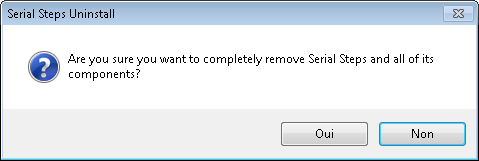
Click on Yes button to start Serial Steps uninstall.
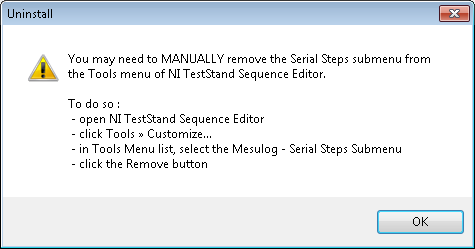
Once the uninstallation is complete, a message is show explaining how to remove Serial Steps submenu from the Tools menu. See known issue #2095 for further information about how to remove the Serial Steps submenu.
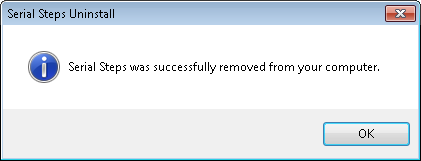
Finally, the setup will show this message before exit.