

This step closes a device session specified by VISA resource and previously opened with an Open Step.
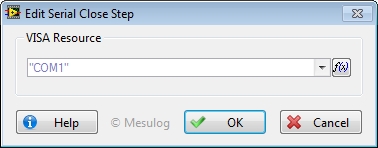
To configure this step open the Edit Step window from Sequence editor.
In the Configuration Dialog Box, select a valid VISA Resource.
At execution, configuration of the step is added to the report by default.
See Also